Domain Dossier Proprietary
Domain Dossier - Investigate domains and IP addresses, get owner and registrar information, see whois and DNS records
Introduction
Domain Dossier is a tool to **Investigate domains and IP addresses**.
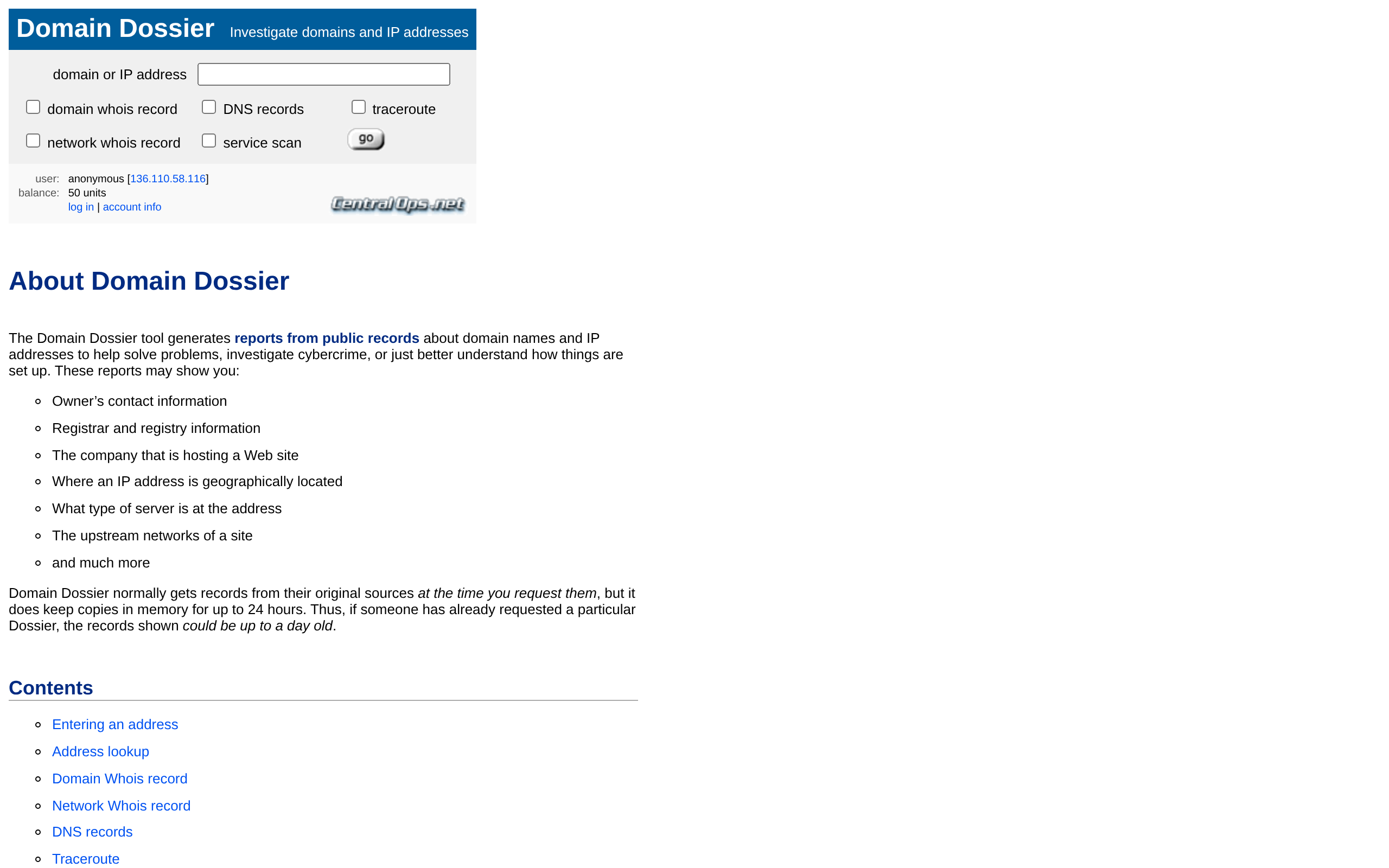
The Domain Dossier tool generates reports from public records about domain names and IP addresses to help solve problems, investigate cybercrime, or just better understand how things are set up. These reports may show you:
- Owner’s contact information
- Registrar and registry information
- The company that is hosting a Web site
- Where an IP address is geographically located
- What type of server is at the address
- The upstream networks of a site
- and much more
To get started, simply enter a domain name such as `www.google.com` or `한글.kr`, an IP address such as `8.8.8.8` or `2620:0:ccc::2`, a URL such as `https://www.mozilla.org/en-US/about/`, or an email address such as `postmaster@example.com`. Below the text box on the input form you’ll see checkboxes that allow you to select what sections you want in the report, including domain whois record, DNS records, traceroute, network whois record, and service scan.
Every Dossier begins with a DNS lookup for what you entered: if you entered a domain name, it looks up IP addresses for the domain; if you entered an IP address, it does a “reverse” lookup to get associated domain names. The dossier will include both the canonical domain name and the first IP address found.
The Whois records for a domain provide information about its registration such as the name of the registrant, contact information, the date of the registration, the date that the registration expires, and authoritative DNS servers for the domain. Domains often have two Whois records, one from the registry and a more detailed one from the registrar, and Domain Dossier will display both.
The Whois records for an IP network provide information about its allocation or assignment such as the range of IP addresses in the assignment, the name of the organization to which the addresses were assigned, contact information, including abuse contacts, and the date of the assignment. Domain Dossier displays a Whois record for the IP network allocation or assignment that includes the IP address you entered.
In the DNS records section, Domain Dossier retrieves and displays records from the DNS for several domains related to your input. Domain Dossier gets these records using multiple queries, usually to the authoritative nameserver. It does not use zone transfers.
Traceroute shows the path that IP packets take from our server in Dallas, TX, USA to the IP address you entered, or the first IP address associated with the domain you entered. Each row in the table represents a hop—an IP router along the path—leading to the destination on the last row.
Domain Dossier normally gets records from their original sources at the time you request them, but it does keep copies in memory for up to 24 hours. Thus, if someone has already requested a particular Dossier, the records shown could be up to a day old.
NOTE: Public Whois records may not contain registrant and contact information due to the GDPR or privacy services.
Domain lookupIP addressesWhois recordsDNS recordsTracerouteService scanRegistrar infoNetwork Whois
Screenshots
Deployment
官方云服务
通过 Domain Dossier 官网在线输入域名或 IP 生成 Whois、DNS、Traceroute 和服务扫描报告,适合无需自托管的即时查询。
Domain Dossier alternatives
Online Domain Tools Proprietary
Online Domain Tools makes your online life easier and happier. Domain tools, network tools, web and browser tools, secur
Who.is Proprietary
Find information on any domain name or website. Large database of whois information, RDAP, DNS, domain names, name serve
Details
Type Commercial software
License freemium
Last verified 2026-07-18
Ad slot 300 × 250 Ad
About the data
Stars / commit times sync automatically from the GitHub API; pricing and features are human-verified.