Introduction
CodexBar 🎚️ — May your tokens never run out.
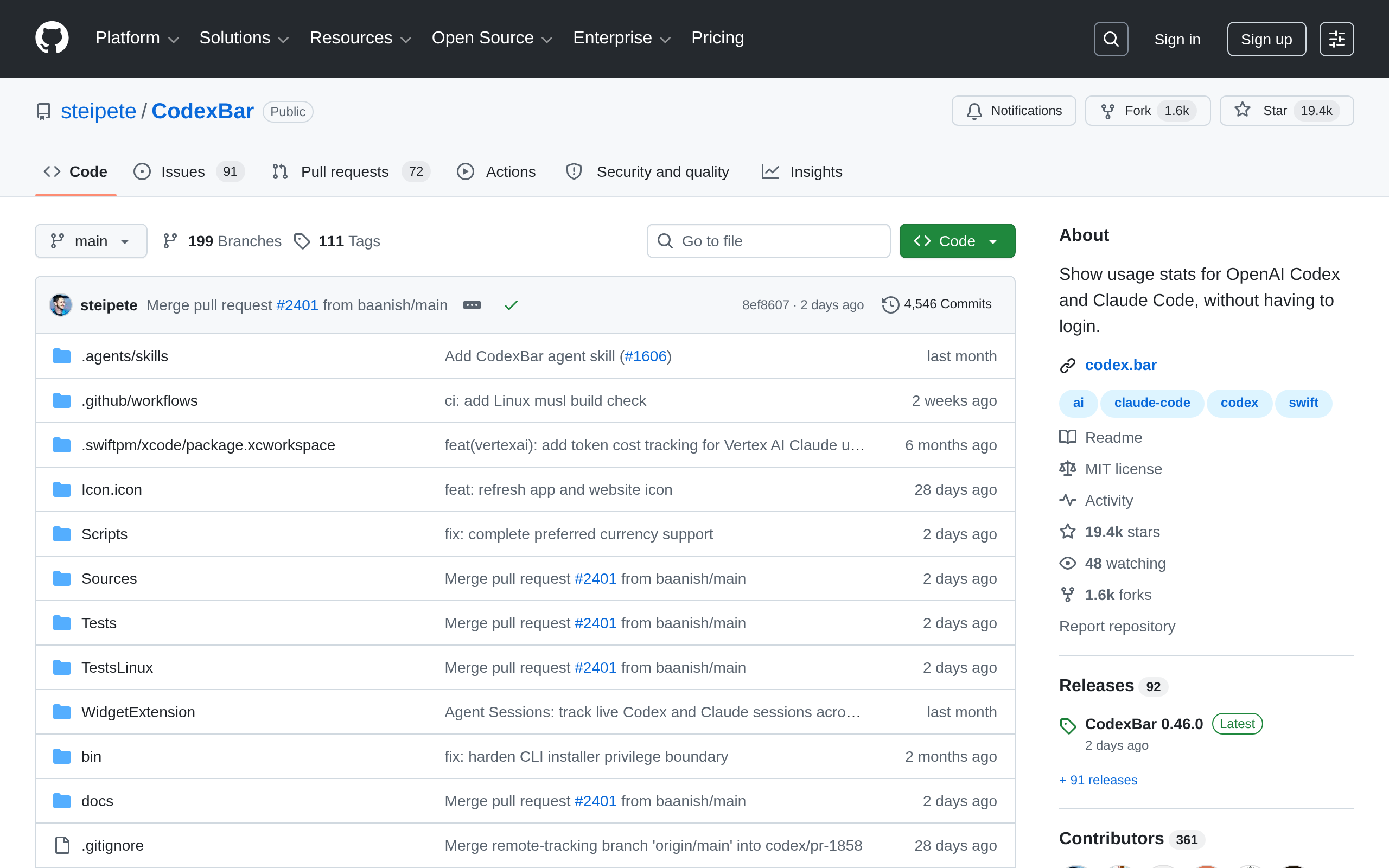
**Every AI coding limit, in your menu bar.** Tiny macOS 14+ menu bar app that keeps **AI coding-provider limits visible** and shows when each window resets. Codex, OpenAI, Claude, Cursor, Gemini, Copilot, Grok, GroqCloud, ElevenLabs, Deepgram, z.ai, MiniMax, Kiro, Zed, Vertex AI, Augment, OpenRouter, LiteLLM, LLM Proxy, Codebuff, Command Code, ClinePass, AWS Bedrock, and many newer coding providers. One status item per provider, or Merge Icons mode with a provider switcher. No Dock icon, minimal UI, dynamic bar icons.
## Why
- **Plan around resets.** Per-provider session, weekly, and monthly windows with countdowns to the next reset — stop guessing whether to start that long task.
- **Credits, spend, and cost scans.** Credit balances, Admin API spend dashboards, provider billing summaries, and local cost scans where the source exposes enough detail.
- **Live status.** Provider status polling surfaces incident badges in the menu and an indicator overlay on the bar icon.
- **Privacy-first.** Reuses existing provider sessions — OAuth, device flow, API keys, browser cookies, local files — so no passwords are stored.
## Install
**Requirements:** macOS 14+ (Sonoma)
Download from GitHub Releases, install with Homebrew (`brew install --cask codexbar`), or use CLI tarballs for macOS/Linux. Homebrew formula is available for Linux today: `brew install steipete/tap/codexbar`; Arch Linux AUR package: `yay -S codexbar-cli`.
## First run
Open Settings → Providers and enable what you use. Install/sign in to the provider sources you rely on: CLIs, browser sessions, OAuth/device flow, API keys, local app files, or provider apps depending on the provider. Optional: Settings → Providers → Codex → OpenAI cookies (Automatic or Manual) to add dashboard extras.
Menu barUsage statsReset countdownsSpend dashboardsProvider statusmacOS appCLI tarballsPrivacy-first
Why recommended
帮助用户更便捷地掌握 Codex 和 Claude Code 的使用情况,降低查看用量的操作成本。
Screenshots
Deployment
GitHub Releases
适合在 macOS 14+ 上直接下载官方发布的 CodexBar 桌面菜单栏应用安装包使用。
Homebrew Cask
适合 macOS 用户通过 brew install --cask codexbar 快速安装并便于后续更新。
CLI Tarballs
适合需要在 macOS 或 Linux 上使用 codexbar 命令行工具的用户从 GitHub Releases 下载对应架构压缩包安装。
Homebrew Formula
适合 Linux 用户通过 brew install steipete/tap/codexbar 安装 CodexBar CLI。
Arch Linux AUR
适合 Arch Linux 用户通过 yay -S codexbar-cli 安装 CodexBar 命令行工具。
源码构建
适合开发者在 macOS 14+ 且具备 Swift 6.2+ 环境时克隆仓库并运行官方脚本自行构建 CodexBar.app。
CodexBar alternatives
DuckDuckGo Proprietary
The Internet privacy company that empowers you to seamlessly take control of your personal information online, without a
TableConvert Proprietary
Convert Excel to JSON online with our free online table converter.
Node.js Open source
Node.js从2009年诞生至今,已经发展了两年有余,其成长的速度有目共睹。从在github的访问量超过Rails,到去年底Node.jsS创始人Ryan Dalh加盟Joyent获得企业资助,再到今年发布Windows移植版本,Node
NexSMS Proprietary
全球短信接码平台,覆盖 200+ 国家、50万+ 号码,支持 ChatGPT/Telegram/WhatsApp 等平台注册验证,无需 KYC,支持加密货币/支付宝/微信支付
NewPipe Open source
DAVx5 Open source
LibreTube Open source
Signal Open source
Ad slot 300 × 250 Ad
About the data
Stars / commit times sync automatically from the GitHub API; pricing and features are human-verified.