Azure Bastion Proprietary
Create an RDP connection to a Windows VM using Azure Bastion
Introduction
Microsoft Learn describes how to create a secure RDP connection to your Windows virtual machines using Azure Bastion.
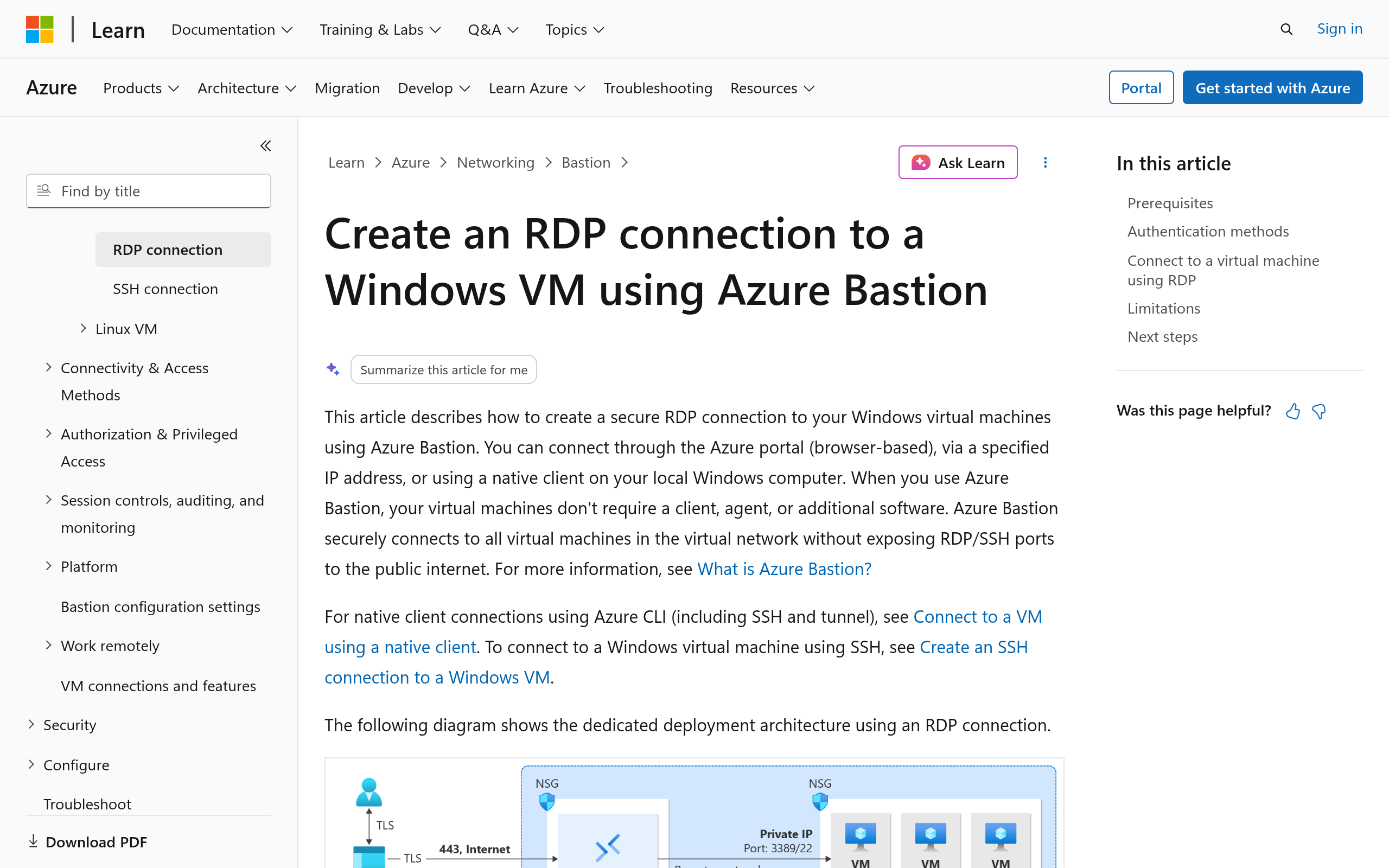
You can connect through the Azure portal (browser-based), via a specified IP address, or using a native client on your local Windows computer. When you use Azure Bastion, your virtual machines don't require a client, agent, or additional software. Azure Bastion securely connects to all virtual machines in the virtual network without exposing RDP/SSH ports to the public internet.
This method connects directly through your browser. No native RDP client or additional software is required on your local computer. The Basic SKU or higher is required, or the Standard SKU if you need custom ports.
For IP-based connection, this method connects through your browser and doesn't require a native RDP client or additional software on your local computer. The Standard SKU or higher is required, and you must enable IP-based connection.
Prerequisites include an Azure Bastion host deployed in the virtual network where the virtual machine is located, or in a peered virtual network; a Windows virtual machine in the virtual network; and required roles such as Reader role on the virtual machine, NIC, Azure Bastion resource, and virtual network of the target virtual machine.
RDP accessSSH accessWindows VMsBrowser-based RDPNative clientIP-based connectionMicrosoft Entra ID
Screenshots
Deployment
Azure portal(浏览器)
适用于通过 Azure 门户直接在浏览器中安全 RDP 连接 Windows VM,无需本地 RDP 客户端或额外软件。
IP address(Azure portal)
适用于在 Bastion 资源中指定目标 VM 私有 IP 地址并通过浏览器连接的场景,需 Standard SKU 或更高并启用 IP-based connection。
Native client(Azure CLI / MSTSC)
适用于在本地 Windows 电脑上通过 Azure CLI 调用原生 RDP 客户端连接 Windows VM 的场景,需 Standard SKU 或更高并启用 native client support。
Azure Bastion alternatives View all 内网穿透与远程访问 →
CoreStory(Crowdbotics) Proprietary
Crowdbotics has separated into two focused businesses: CoreStory and Xperts.
ShowDoc Open source
一个非常适合IT团队的在线API文档、技术文档工具。你可以使用Showdoc来编写在线API文档、技术文档、数据字典、在线手册
Back4app Proprietary
The Top 10 Netlify Alternatives | Which is the best?
Ask Ubuntu Proprietary
Q&A for Ubuntu users and developers
Details
Type Commercial software
License commercial
Last verified 2026-07-18
In solutions
内网穿透与远程访问 · 6 candidates →Ad slot 300 × 250 Ad
About the data
Stars / commit times sync automatically from the GitHub API; pricing and features are human-verified.