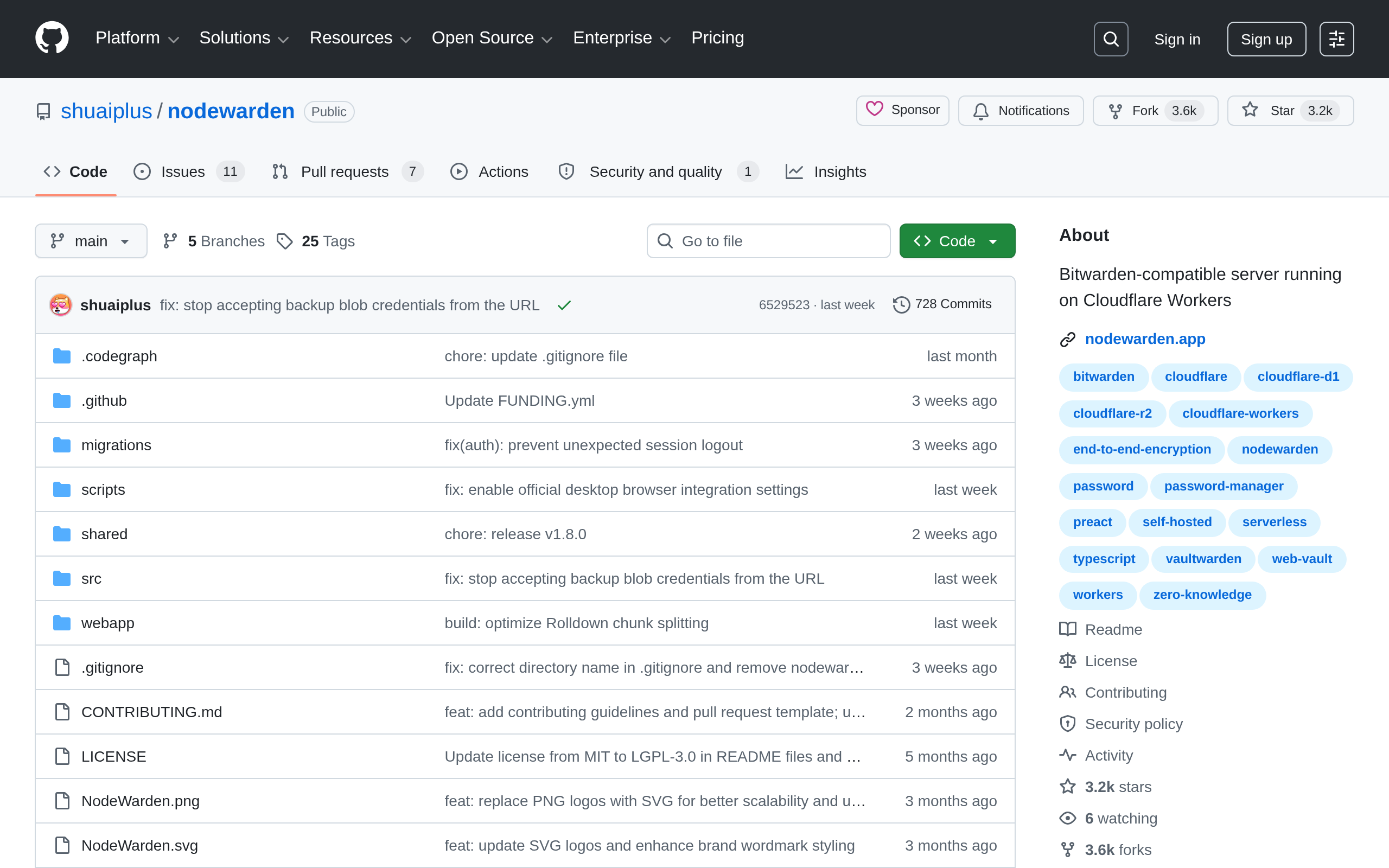
nodewarden Open source
Bitwarden-compatible server running on Cloudflare Workers
Introduction
nodewarden is a **Bitwarden-compatible server running on Cloudflare Workers**.
## Features
Feature comparison with the official Bitwarden server includes: Web vault, TOTP, PWA / offline, Passkey login, API keys, Login 2FA, 2FA recovery codes, Real-time push sync, Attachments / Send, Import / export, Cloud backup center, Device management, Login requests, Multi-user, Domain rules, and Fill-assist.
Notes from the project include: **Original Web Vault UI**; TOTP includes `steam://` support; PWA / offline is installable, offline; Passkey login supports passwordless auth; API keys are CLI keys and can be created and rotated; Login 2FA supports TOTP, YubiKey, Passkey; Real-time push sync supports all device sync; Attachments / Send use Cloudflare R2 or KV; Import / export supports Bitwarden JSON / CSV / ZIP; Multi-user uses invite-code registration.
Organizations / collections / roles and SSO / SCIM / directory are not implemented.
## Tested clients
Tested clients: Windows desktop, Mobile app, Browser extension, Linux desktop. macOS desktop not fully verified yet.
## Visual quick deploy
- Fork the NodeWarden repository to your GitHub account.
- Open Cloudflare Workers & Pages.
- Choose Continue with GitHub and select your fork.
- Set build command to `npm run build` and deploy command to `npm run deploy`.
- For KV mode, change the deploy command to `npm run deploy:kv`.
- After deployment finishes, open the generated Workers URL.
The default Workers hostname may be unreachable on some networks. To use a custom domain, add it in Workers settings.
If the site reports a missing `JWT_SECRET`, add it as a Secret in Workers settings. In production use a random string of at least 32 characters; do not use temporary or example values.
To hide the Web Vault, add a text variable named `HIDE_WEB_VAULT` with the value `1` under Workers settings → Variables and Secrets.
## Disclaimer
This project is for learning and discussion purposes only. Please back up your vault regularly.
This project is not affiliated with Bitwarden. Please do not report NodeWarden issues to the official Bitwarden team.
Cloudflare WorkersBitwarden compatibleWeb VaultTOTPPasskey loginReal-time syncCloud backup
Screenshots
Deployment
Cloudflare Workers & Pages 可视化部署
适合希望通过 GitHub Fork 交由 Cloudflare 自动构建并快速发布到 Workers 的用户。
Wrangler CLI 部署(R2 模式)
适合熟悉命令行并希望使用 Cloudflare R2 存储附件和 Send 文件的自托管用户。
Wrangler CLI 部署(KV 模式)
适合不想绑定银行卡或偏向使用 Cloudflare KV 免费额度部署轻量实例的用户。
nodewarden alternatives
Microsoft Authenticator Proprietary
Stratum Authenticator Open source
MultCloud Proprietary
Multiple Cloud Storage Manager: Migrate, move, sync, copy, backup, and transfer cloud files with MultCloud, which suppor
Virtualmin Open source
Virtualmin is a powerful and flexible web hosting control panel for Linux, built for web developers, IT professionals, a
Back4app Proprietary
The Top 10 Netlify Alternatives | Which is the best?
Ad slot 300 × 250 Ad
About the data
Stars / commit times sync automatically from the GitHub API; pricing and features are human-verified.