Introduction
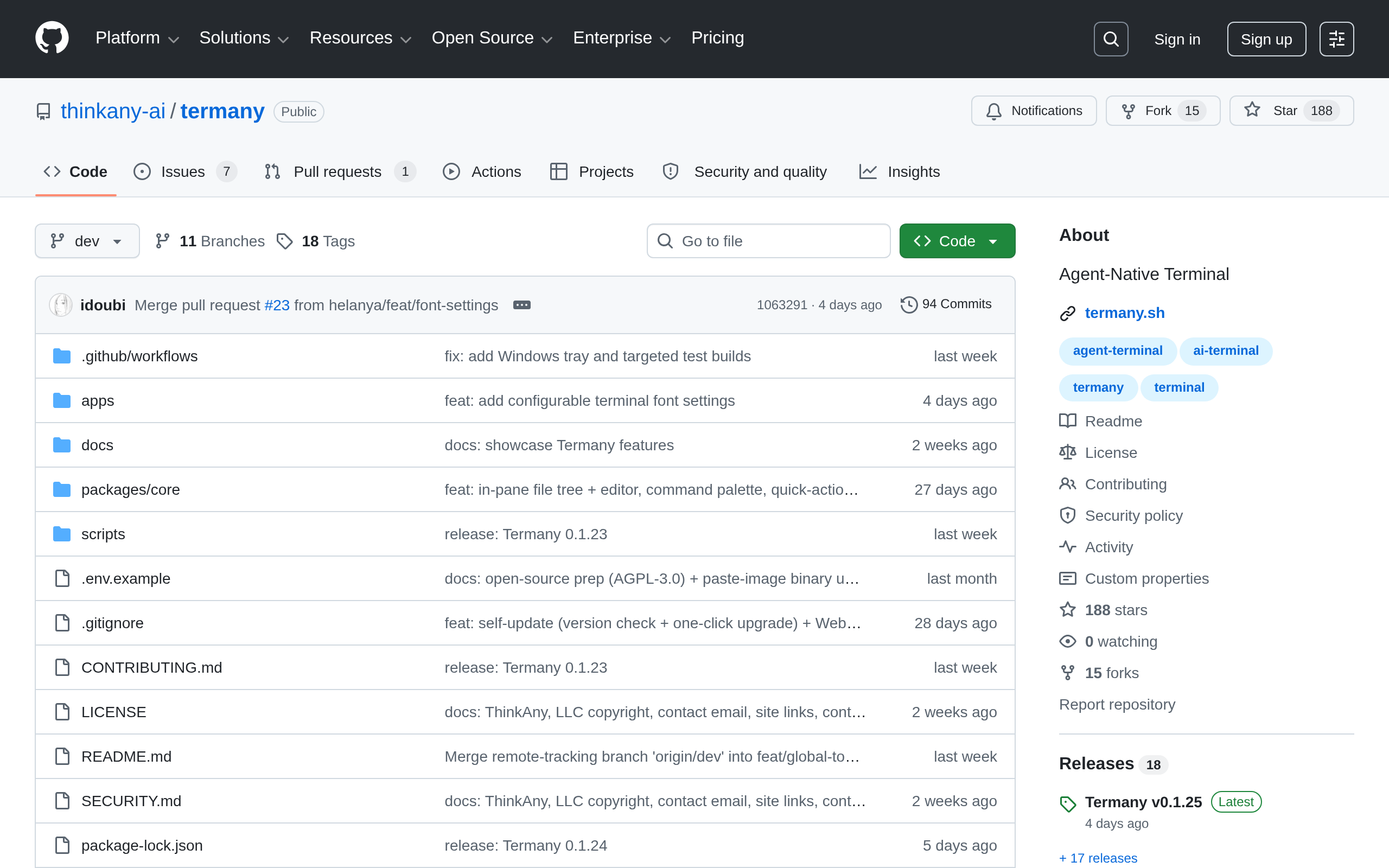
Termany is an agent-native terminal — **local-first, cloud-ready**. The same UI runs as a web app and as a desktop client today, and as a cloud service later, by swapping one thing: the backend.
Launch a coding agent into any pane from the side rail — Claude, Codex, Gemini, OpenClaw, FastClaw, Hermes, OpenCode, Kilocode, Cursor, Kimi, Droid, and OMP ship built in. Every pane is a real shell, so you can split into any nested layout and run several agents at once.
Any pane can become a file tree instead of a shell. Click a file to edit it in place — CodeMirror with language detection and ⌘S to save — or just read it: markdown, HTML, images, video, audio, PDF, DOCX, XLSX, and PPTX all preview inline.
Termany reads your agent transcripts and turns them into a usage dashboard: estimated cost, input / output / cache tokens, a daily chart, and breakdowns by model and by project. The session browser lists past conversations and resumes any of them in a new pane, already cd'd to the right project.
Any CodexThemes pack you've installed shows up in Settings → Appearance with its artwork, and applies in one click — on top of the six themes built in. Every one of the ~50 actions is rebindable in Settings → Keyboard, and ⌘P opens a command palette that searches both your commands and every page, tab, and pane by name. UI available in English and 简体中文.
Agent terminalCoding agentsReal shellFile previewsUsage dashboardSession browserCommand palettexterm.js
Why recommended
为关注 AI Agent 与终端自动化结合的开发者提供了一个值得参考的开源项目。
Screenshots
Deployment
源码运行(Web 开发)
适合开发者从 GitHub 克隆源码后通过 npm install 与 pnpm dev:web 启动本地 PTY 服务和 Web 界面进行开发调试。
桌面客户端
适合希望离线使用的个人开发者,通过官方桌面端获得内置 Node PTY/API 服务的本地终端体验。
官方安装包(macOS/Windows)
适合终端用户从官网或 GitHub Release 获取 macOS .dmg 或 Windows NSIS .exe 安装包后直接安装使用。
本地构建桌面安装包
适合需要自行打包或验证构建流程的开发者,按官方脚本和 CI 工作流在本机生成对应平台安装包。
Ad slot 300 × 250 Ad
About the data
Stars / commit times sync automatically from the GitHub API; pricing and features are human-verified.