cc-connect Open source
Bridge local AI coding agents to messaging platforms — chat with your AI dev assistant from anywhere.
Introduction
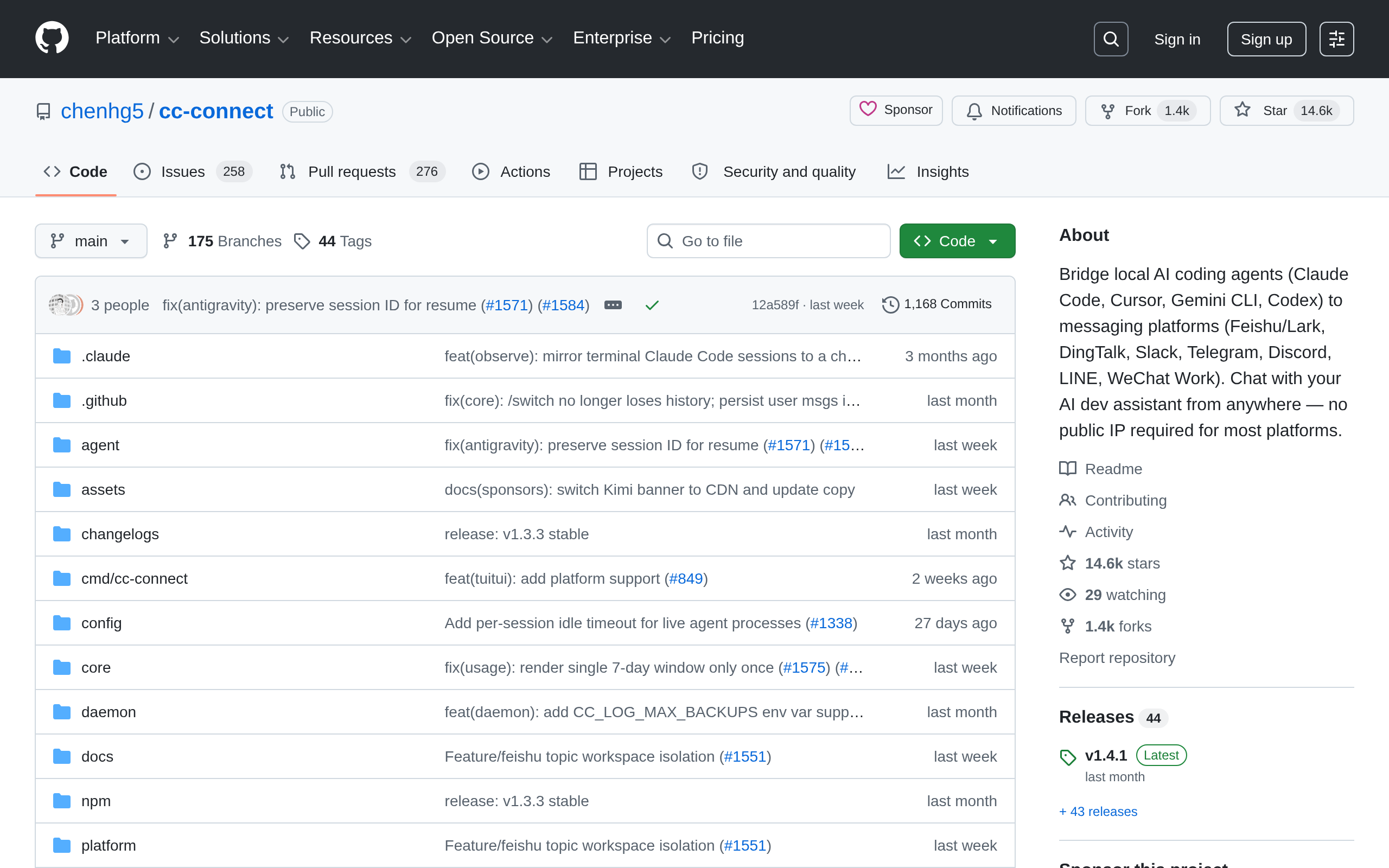
cc-connect bridges local AI coding agents (Claude Code, Cursor, Gemini CLI, Codex) to messaging platforms (Feishu/Lark, DingTalk, Slack, Telegram, Discord, LINE, WeChat Work). Chat with your AI dev assistant from anywhere — no public IP required for most platforms.
With cc-connect, you can bring Kimi CLI from your local machine into Feishu/Lark, DingTalk, Telegram, Slack, Discord, WeCom, and other instant messaging tools. Wherever you are, you can continue working on local projects through chat and ask Kimi to inspect or modify code, troubleshoot issues, run commands, and handle automation tasks.
cc-connect already supports Kimi CLI.
AI coding agentsMessaging platformsRemote chatNo public IPClaude CodeGemini CLIKimi CLISlack
Screenshots
Deployment
AI Agent 安装配置
适合希望由 Claude Code 等 AI 编程助手按官方 INSTALL.md 自动完成安装与配置的用户。
npm 全局安装
适合已使用 Node.js/npm 环境、希望通过 npm install -g cc-connect 快速安装命令行工具的用户。
Homebrew 安装
适合 macOS 或 Linux 用户通过 brew install cc-connect 统一管理安装与升级。
GitHub Releases 二进制安装
适合直接下载官方预编译二进制文件并手动部署到系统路径的用户。
源码构建
适合需要从 GitHub 仓库源码自行编译或参与开发定制的用户。
Ad slot 300 × 250 Ad
About the data
Stars / commit times sync automatically from the GitHub API; pricing and features are human-verified.