Vuebar Open source · MIT
Vue 2 directive for custom scrollbar that uses native scroll behavior.
Introduction
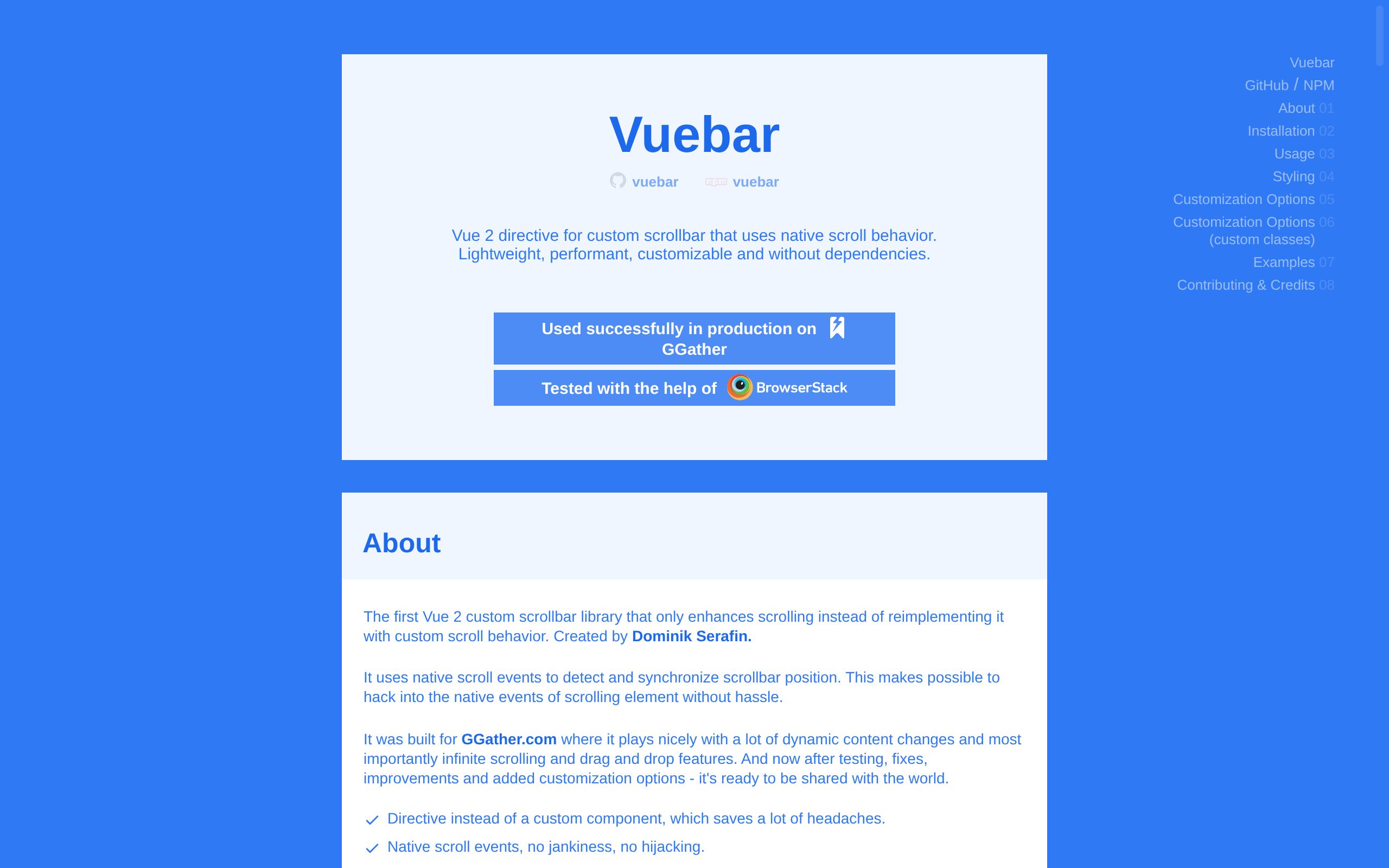
Vuebar is a **Vue 2 directive for custom scrollbar that uses native scroll behavior**. Lightweight, performant, customizable and without dependencies.
The first Vue 2 custom scrollbar library that only enhances scrolling instead of reimplementing it with custom scroll behavior. It uses native scroll events to detect and synchronize scrollbar position. This makes possible to hack into the native events of scrolling element without hassle.
- Directive instead of a custom component, which saves a lot of headaches.
- Native scroll events, no jankiness, no hijacking.
- Simple to use, lightweight & performant.
- Works in browser and also build (webpack, etc.) environments.
- Compatible with all major browsers including IE9 and above.
- Useful customization options.
- No 3rd party dependencies.
- Tested in production.
## Installation and usage
Install with NPM: `npm install vuebar --save`. You can also use the CDN: `https://unpkg.com/vuebar`, or download the `.js` file directly from latest commit and include manually in your project.
Include in your build:
```js
import Vuebar from 'vuebar';
Vue.use(Vuebar);
```
Basic markup:
```html
<div v-bar>
<div>
<!-- your scrollable content -->
</div>
<!-- dragger will be automatically added here -->
</div>
```
## How it works
Every Vuebar scrollable content needs to be wrapped in parent element `el1` that hides the native browser scrollbar of the second parent element `el2` and it also contains the custom scrollbar element, `dragger`, which gets appended automatically on the Vuebar initialization.
The Vuebar internals listen to `el2` scroll event and synchronize `dragger` position when you scroll. And vice versa - when you directly use `dragger` it listens to mouse events to detect the position of dragger and sets scroll position of `el2`.
Other than setting the scroll position when you use `dragger` the Vuebar doesn't interfere at all with native browser scrolling and you can listen to scroll/wheel/etc. events as you would normally do. This also means the scroll behavior will remain unchanged. You'll still be able to use mouse wheel click scrolling or touch scrolling with momentum.
New in 0.0.6: Vuebar now has a `useScrollbarPseudo` feature that hides the scrollbar using pseudo element selector `::-webkit-scrollbar`. Due to browsers limitations for now it works only on desktop Chrome & desktop Safari at the moment.
Vue 2custom scrollbarnative scrollingVue directivelightweightno dependenciesbrowser support
Screenshots
Deployment
NPM
适用于使用 webpack 等构建工具的 Vue 2 项目,通过 npm install vuebar --save 安装并在代码中 import 后注册。
CDN
适用于无需本地打包或希望快速引入的页面,直接通过 https://unpkg.com/vuebar 加载 Vuebar。
Manual
适用于需要固定或手动管理脚本文件的项目,下载 vuebar.js 后可用 script 标签引入或纳入构建流程。
Details
Type Open-source software
License MIT
Last verified 2026-07-18
Ad slot 300 × 250 Ad
About the data
Stars / commit times sync automatically from the GitHub API; pricing and features are human-verified.