Cmd Markdown Proprietary
Cmd Markdown editor and reader with real-time preview, cloud sync, publishing, comments, and AI writing.
Introduction
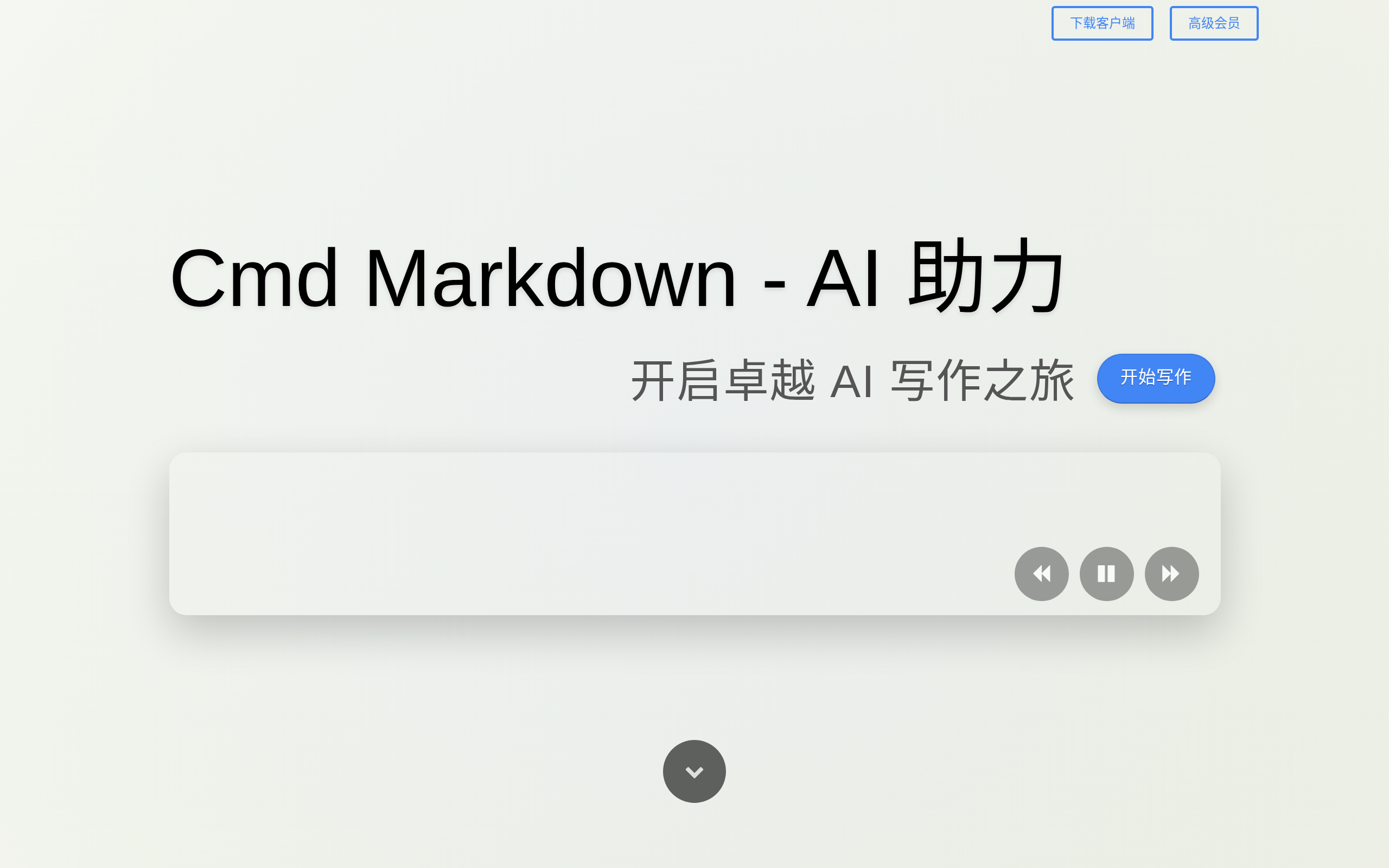
Cmd Markdown is a Markdown editing, publishing, and reading platform by Zybuluo. It is designed as a more professional tool for recording ideas and sharing knowledge: organize knowledge and study notes, publish diaries and essays, write and publish technical documents, draw and publish diagrams, write academic papers with LaTeX formulas, and use AI-assisted writing.
## What is Markdown
Markdown is a plain-text markup language that is easy to remember and write. With minimal input, users can generate expressive documents. It can be used for headings, paragraphs, **bold** and *italic* text, Todo lists, LaTeX formulas, code highlighting, flowcharts, sequence diagrams, Gantt charts, mind maps, tables, and more.
Cmd Markdown supports nineteen kinds of diagrams. Unlike other WYSIWYG editors, you only need to use the keyboard and focus on writing text content to generate print-quality typography.
## What is Cmd Markdown
Cmd Markdown integrates editing, publishing and reading Markdown into an online platform, so you can manage your writing anywhere, on any system or device.
Main features include:
- **AI-assisted writing**: press the space key at the beginning of any blank line in the editing area to enable AI-assisted writing. It can continue a topic, rewrite and polish text, create charts such as mind maps and pie charts, write todos, formulas and code, draft outlines, agendas and emails, act as a translator, teacher or code interpreter, and answer questions. The interface can switch among large language models such as Tongyi Qianwen, Gemini and ChatGPT.
- **Real-time synchronized preview**: the main interface is divided into an editing area on the left and a preview area on the right. Operations in the editing area are rendered to the preview area in real time, and scrolling is synchronized by a positioning algorithm.
- **Editing toolbar and editing mode**: a toolbar is provided for Markdown beginners, while a separate editing mode removes distracting elements for focused writing.
- **Real-time cloud drafts**: Cmd Markdown saves every keystroke to the cloud and shows a saved status, so writing can continue after closing the browser or computer.
- **Offline mode**: when the network connection is unstable, Cmd Markdown switches to offline mode, saves later input locally, and sends it to the cloud after the network is restored.
- **Document management**: publish the current document as a fixed link, create new documents, delete documents, export to Markdown text or HTML/PDF, view document lists, switch Normal/Vim/Emacs editing modes, and switch AI models.
- **Reading toolbar and reading mode**: view the document outline, swap the editing and preview panes, switch black/white themes, enter reading mode, or use full screen for an immersive writing and reading environment.
- **Publishing and comments**: besides editing and managing private documents, Cmd Markdown supports publishing documents and sharing them with friends, relatives and colleagues. After publishing, you can invite friends and colleagues to write comments.
## Platforms
Cmd Markdown can be used on the Web and also provides clients for Linux, Mac and Windows:
- Linux 64-bit / 32-bit
- Mac 64-bit / arm64
- Windows 64-bit / 32-bit
If startup fails on Mac, enter this command in Terminal:
```bash
$ xattr -c /path/to/Cmd\ Markdown.app
```
Markdown editorAI writingLive previewCloud syncOffline modeDocument publishingDiagram supportDesktop clients
Screenshots
Deployment
Web 在线版
适合无需安装客户端、直接通过浏览器在线编辑、阅读、同步和发布文稿的场景。
Windows 客户端
适合在 Windows 桌面环境中使用 Cmd Markdown,并需要本地客户端与离线写作能力的场景。
macOS 客户端
适合在 Mac 桌面环境中使用 Cmd Markdown 客户端进行写作、预览和云同步的场景。
Linux 客户端
适合在 Linux 桌面环境中安装客户端进行 Markdown 编辑、阅读及离线使用的场景。
Cmd Markdown alternatives
StackEdit Open source
Full-featured, open-source Markdown editor based on PageDown, the Markdown library used by Stack Overflow and the other
Wordtune Proprietary
Stratum Authenticator Open source
MultCloud Proprietary
Multiple Cloud Storage Manager: Migrate, move, sync, copy, backup, and transfer cloud files with MultCloud, which suppor
JavaScrypt Open source
JavaScrypt Encryption and Decryption
Trail Sense Open source
ZyFun Proprietary
zyfun is a free, minimalist, and comprehensive cross-platform media manager designed to provide a one-stop solution for
Details
Type Commercial software
License freemium
Last verified 2026-07-30
Ad slot 300 × 250 Ad
About the data
Stars / commit times sync automatically from the GitHub API; pricing and features are human-verified.